

27 July 2026 · Apollo View Modular
Scope 1.1: offset and glow, free
Scope 1.1 adds a manual sample/ms offset with a lock and the phosphor glow from DeltaScope, both free. Every slider now takes a typed value: click to type, Alt-click to reset. Update from the plugin, or grab it from the site.

Scope 1.1 is out. Two features come across from DeltaScope, and they come across whole: the manual sample/ms offset and the waveform glow. Free stays free.
Line it up
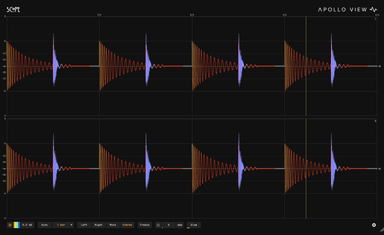
Anything with latency ahead of Scope, a lookahead limiter, a linear-phase EQ, shifts what you see: the waveform lands late against the beat grid. The new offset control in the control bar nudges the display back into place, by up to a second, in samples or milliseconds.
Most DAWs report each plugin's latency, so the right number is usually a lookup away: click the slider, type it, done. A padlock guards the value once you have it. It closes on its own ten seconds after your last adjustment, and immediately when you type a value. This is display alignment only, and your audio is untouched.
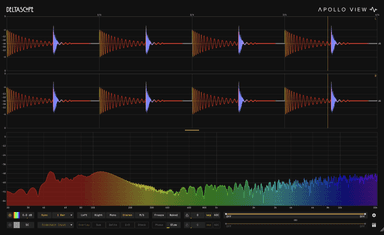
If you would rather not look the number up at all, DeltaScope's ADC measures it for you. Scope's offset is the manual version of the same idea.
Glow
The Glow slider is at the end of the control bar: phosphor-style bloom from a clean trace at zero to full CRT at the top. Beyond looks, it helps dense material read, since the glow builds brighter where the trace piles up. The amount is saved with your session.
Type it in
Every slider in Scope now answers the same two gestures. Click one and type an exact value: Enter commits, Esc cancels, and units are understood, so "250 ms", "1.5 s" or "2k" all land as written. Alt-click resets a slider to its default. This replaces the old double-click reset, and the same gestures ship in DeltaScope 1.1.
Get it
Scope is free with a licence key from the shop. Existing users: Settings, then Check for Update, or download the new installer from the Scope page. The manual is updated for 1.1, offset and glow included. The full changelog went out with the release email.
SCOPE
See the signal
DELTASCOPE
See the difference